How do I switch between Siteimprove accounts?
Summary
You can switch between Siteimprove accounts either during login via the account selector or within the platform using the “Switch Account” option—if your email is linked to multiple accounts (not available for SSO users).
Question
How do I switch between Siteimprove accounts?
Answer
It is possible for a user to be associated with two or more Siteimprove accounts.
If your email address is associated with multiple Siteimprove accounts, you will be present with an account selector upon login.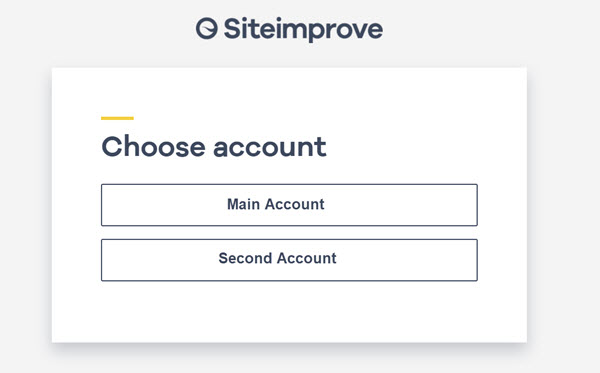
When using the platform, it is possible to switch to another account using the "Switch Account" toggle under your username.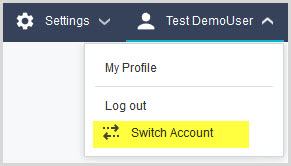
Note: This is true for accounts with local users but this option is not available for Single Sign-On enabled accounts.
Did you find it helpful? Yes No
Send feedback